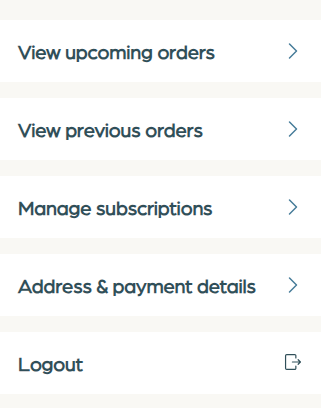
How do I update my account details?Updated 8 months ago
You can update your account details through these steps:
- Visit the online store and click the login button or follow this link https://account.frontierpets.com.au/
- Enter your email address to receive a login code or sign in via your Shop account.
- Use the login code sent to your email address to access your account.
- On your account page, click "Profile".
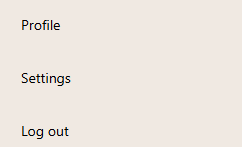
5. You can then edit your personal information there including your payment method. This does not include your subscription information. If you'd like to manage a subscription, navigate to the "Subscription" menu and make changes there.