How do I skip my order?Updated 8 months ago
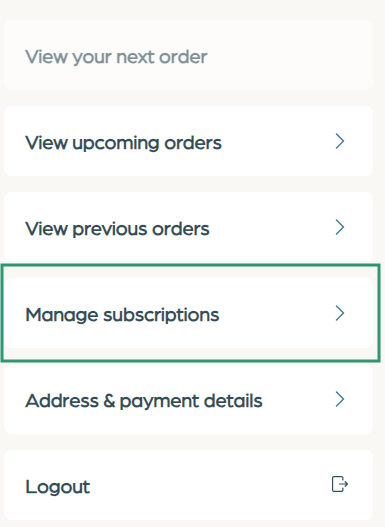
You can easily skip your next order by logging into your account. Simply navigate to your subscription portal, view your upcoming orders, and select "Skip."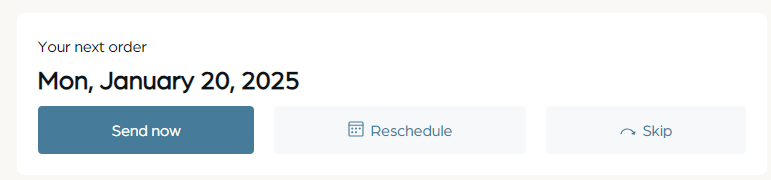
If you continue to receive messages after skipping an order, please check the "Manage Subscriptions" section to see if you have multiple recurring subscriptions. You can easily edit or adjust them from there.