How do I add product to my next subscription order?Updated 9 months ago
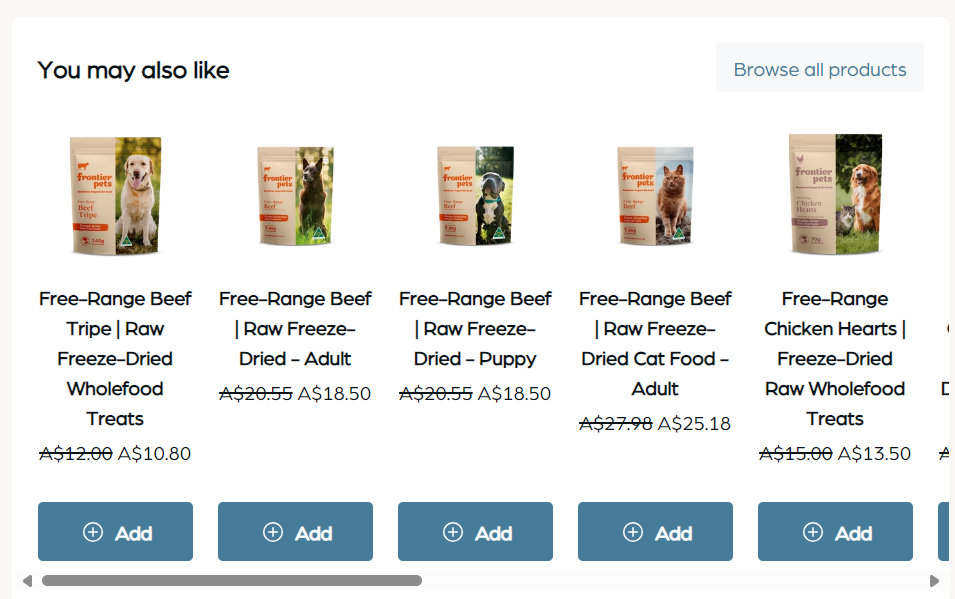
To include an additional product in your next order, please sign in to your customer account and select "View Your Next Order." From there, you can scroll down to the "You May Also Like" section and select the desired item. If you wish to browse additional products, please select "Browse All Products."